01
Screen & keyboard
Display damage, keyboard faults and trackpad problems. Repairs depend on the laptop design and available parts.

Bring in a laptop with a damaged screen, weak battery or a problem that is slowing you down. We will assess it before recommending a repair.
Walk-ins welcome · Parts and timing confirmed after assessment
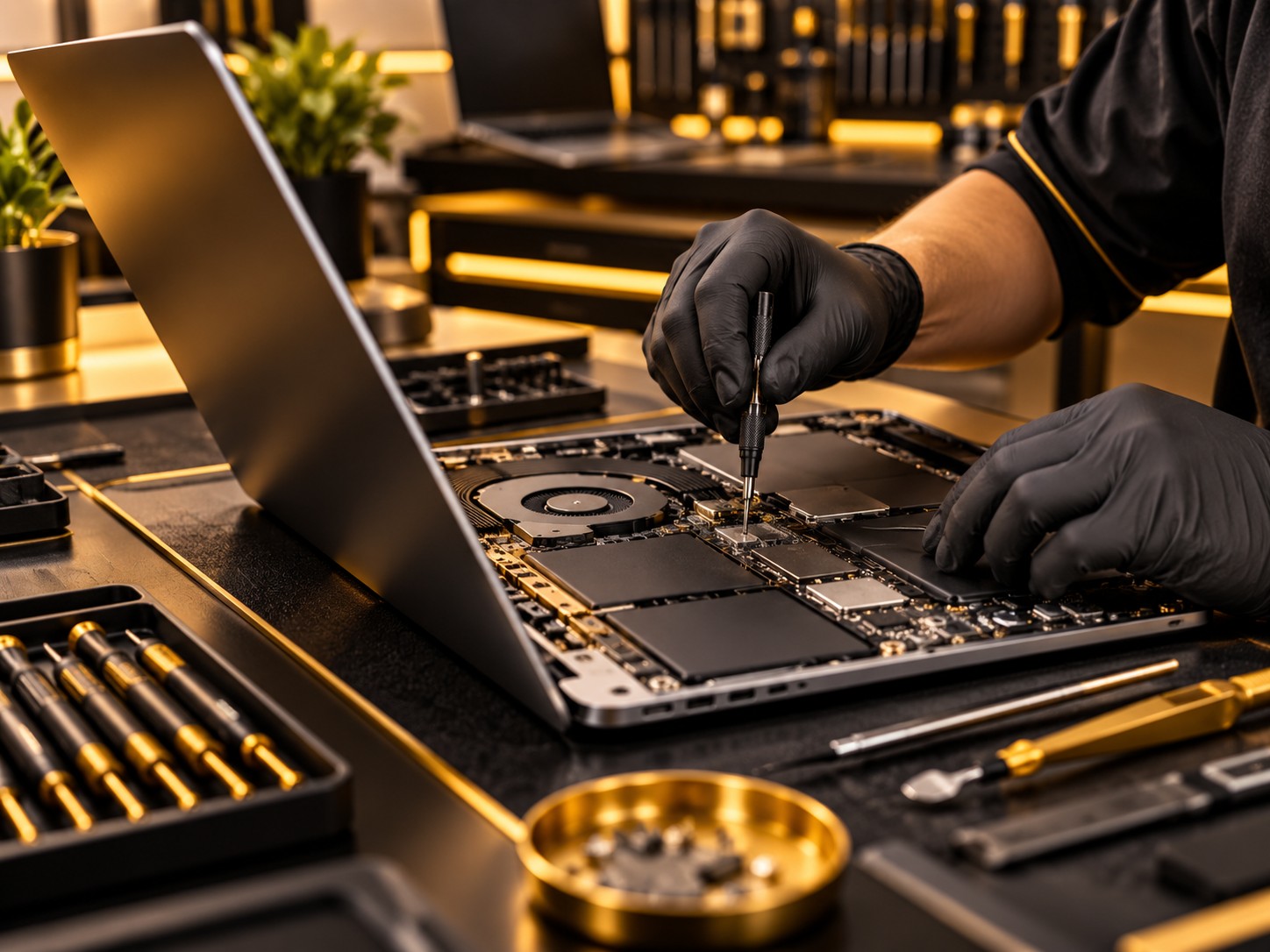
Display damage, keyboard faults and trackpad problems. Repairs depend on the laptop design and available parts.
Poor battery life, a loose charging connection or a laptop that will not start. Bring the charger for assessment.
Software faults, storage problems and compatible upgrades. Describe recent changes and any data concerns.
Call with the exact model to confirm service and parts availability.
A laptop that runs on its charger but switches off when unplugged needs different checks from one with no power at all. Bring the adapter and full product number; battery, keyboard and display options vary by configuration.
State the ThinkPad generation or the MacBook year and model number. Describe loose hinges, keys that fail or lines that change when the lid moves. Display cables, lid assemblies and top cases are matched to the specific design.
A loose hinge may also damage its mounting points or the display cable. Ask whether the estimate covers an individual part or a larger casing assembly. Confirm keyboard layout, display specification and charger compatibility; RAM and storage are not upgradeable on every laptop.
An ordered keyboard, battery or screen determines the earliest fitting date. Hinge or casing work can add steps, while power faults need checks with the adapter and battery. Share your deadline and confirm a pickup estimate after the damage and parts are assessed.
Share the make and model, any error messages, and when the issue began. Back up important files if possible. We discuss the repair recommendation, estimate and parts timing before work begins.
Call with the brand and model to confirm service. Parts and repair options vary.
Ask about your model. The repair depends on the hinge, casing and any related damage.
That may be possible in some cases, but depends on the storage and fault. Discuss data needs before repair.
Visit 1709 North Shepherd Drive, Houston, TX 77008.
Walk in, ask a question, and explore your options.