01
Startup & hardware
Power, display and component issues. Tell us what appears on screen and whether any hardware recently changed.

When your desktop or computer stops working as it should, start with a diagnosis and an explanation of the available next steps.
Walk-ins welcome · Parts and timing confirmed after assessment
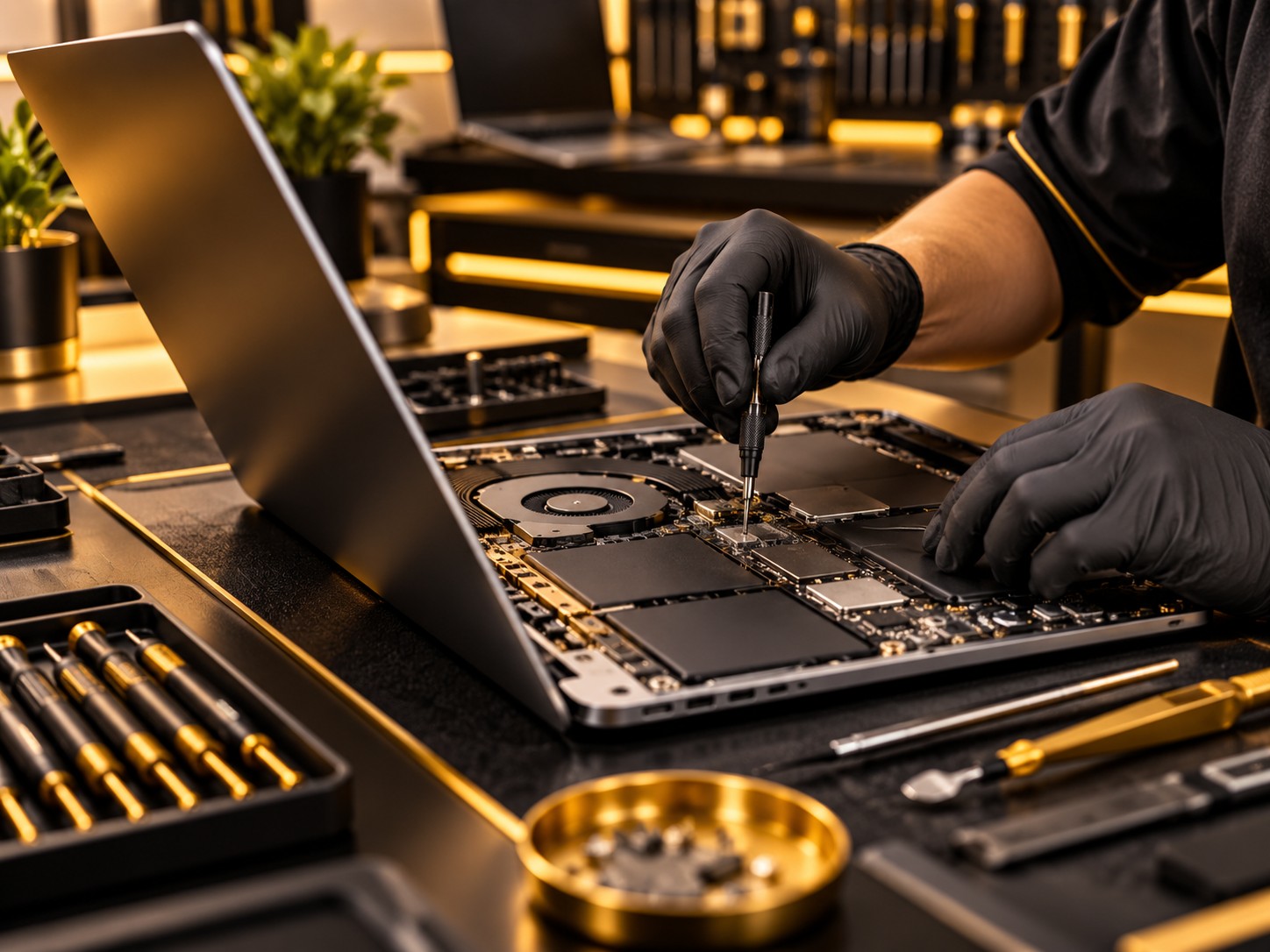
Power, display and component issues. Tell us what appears on screen and whether any hardware recently changed.
Slow operation, malware concerns and software faults. We assess the cause before recommending work.
Ask about compatible RAM or storage upgrades, backup and selected data recovery services.
Call with the exact model to confirm service and parts availability.
Include the model and whether the computer is a tower, small-form-factor or mini system. Report power-light behavior, beeps and whether the monitor detects a signal. Power-supply size and internal fittings can differ within the same range.
For a custom PC, list the motherboard and any recently changed graphics card, memory or storage. For an all-in-one, give its exact model: a blank built-in screen needs a different assessment from a tower connected to an external monitor.
RAM generation, storage interface, power connectors and case dimensions determine compatible components. A desktop upgrade quote should name the part and any setup work. Discuss data backup before a storage change; file recovery is a separate assessment, not a guaranteed result.
An intermittent crash or overheating fault may require repeat testing under load. Storage checks, file transfers and operating-system work also affect timing. Bring error messages and tell us whether restoring files or getting the computer running is the first priority.
Back up accessible files before service. Tell us if files are missing or a drive is failing so data concerns can be discussed before repair. Recovery depends on the fault and is not guaranteed.
Call with the symptoms first. Mention whether another display or cable changes the fault; the store can tell you which equipment is needed for the assessment.
We can assess compatible upgrade options. The computer model and component design determine what can be changed.
Ask about assessment for your device. Recovery depends on the condition of the storage and cannot be guaranteed.
Visit 1709 North Shepherd Drive, Houston, TX 77008.
Walk in, ask a question, and explore your options.