🪟
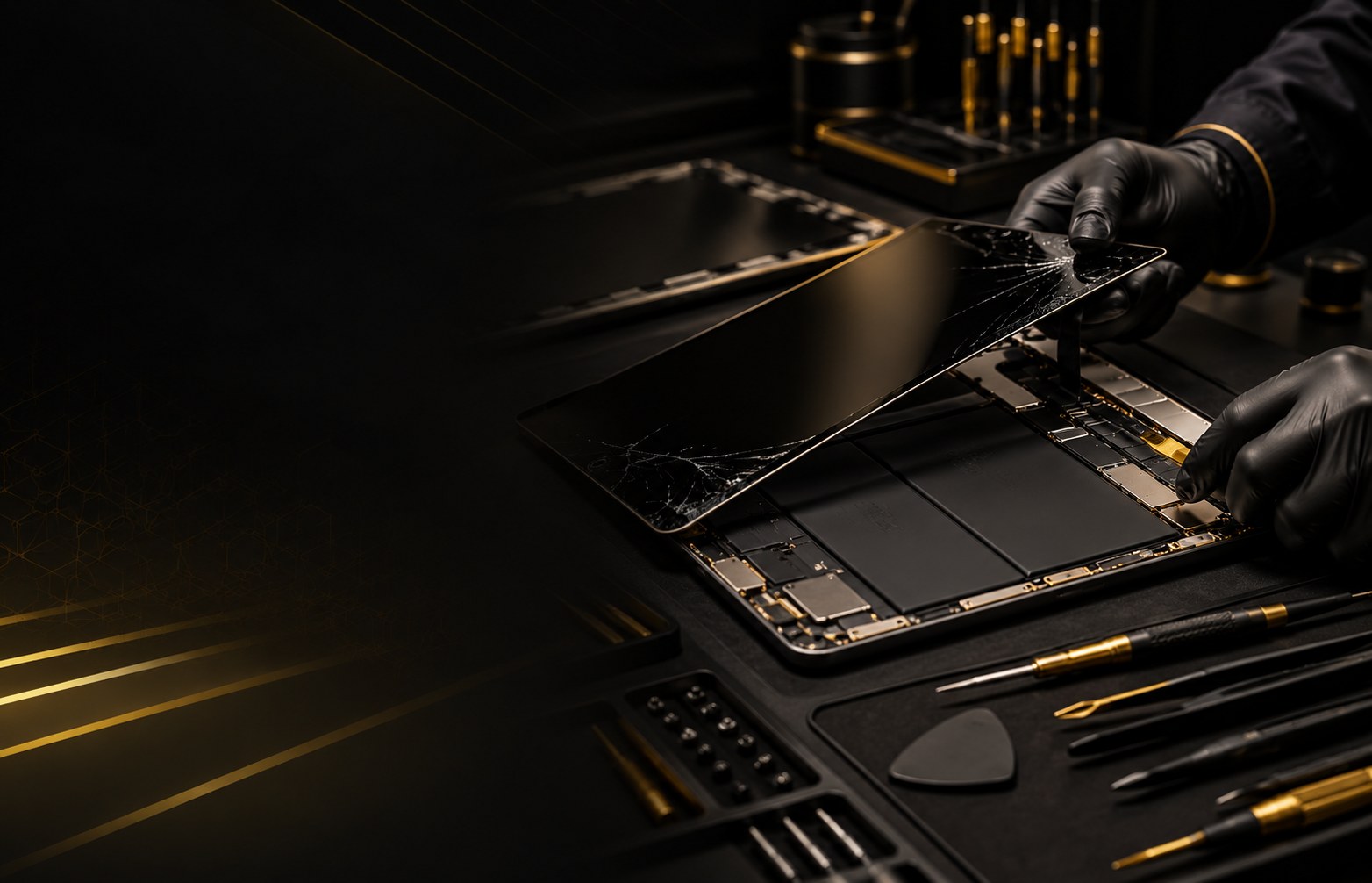
Cracked or Shattered Screen
Broken outer glass, damaged display assemblies and touch-response problems.

Tablets are carried to school, work and around the house, so one drop can lead to cracked glass, touch problems or a display that stays black even when the device powers on. ZOMI Wireless inspects eligible iPads and Android tablets and explains the available repair path before work begins.
Call with the tablet brand and model if you want to confirm service or parts before visiting.
Broken outer glass, damaged display assemblies and touch-response problems.
Lagging, skipping, unresponsive areas and ghost-touch symptoms.
A tablet may power on while the display remains black, dim or flickering.
Poor battery life, unexpected shutdowns and charging problems on eligible models.
Loose connectors, intermittent charging and port-related symptoms.
Inspection for problems that are not clearly tied to one component.
iPad repair cost varies by model, screen size, type of damage and part availability. A cracked outer layer is different from a failed display or touch layer, so the fastest way to get a useful number is to let us inspect the device.
We provide the repair estimate before work begins. If the repair does not make financial sense for an older tablet, we will explain that too.
Bring the tablet in or call ahead, we inspect the display and device condition, then you receive the repair option and estimate. If you decide to proceed, the repair is completed based on parts availability and the device model.
Quick answers before you visit.
On eligible devices, a damaged screen assembly can often be replaced. We check the model and damage first.
We inspect a range of popular Android tablets as well as iPads, subject to model and parts availability.
Sometimes. The answer depends on the repair cost and the tablet's age and condition, so we can help you compare the options.
No. Walk-ins are welcome, or call with the model before coming in.